Retail, food & drink
Order again
- The job
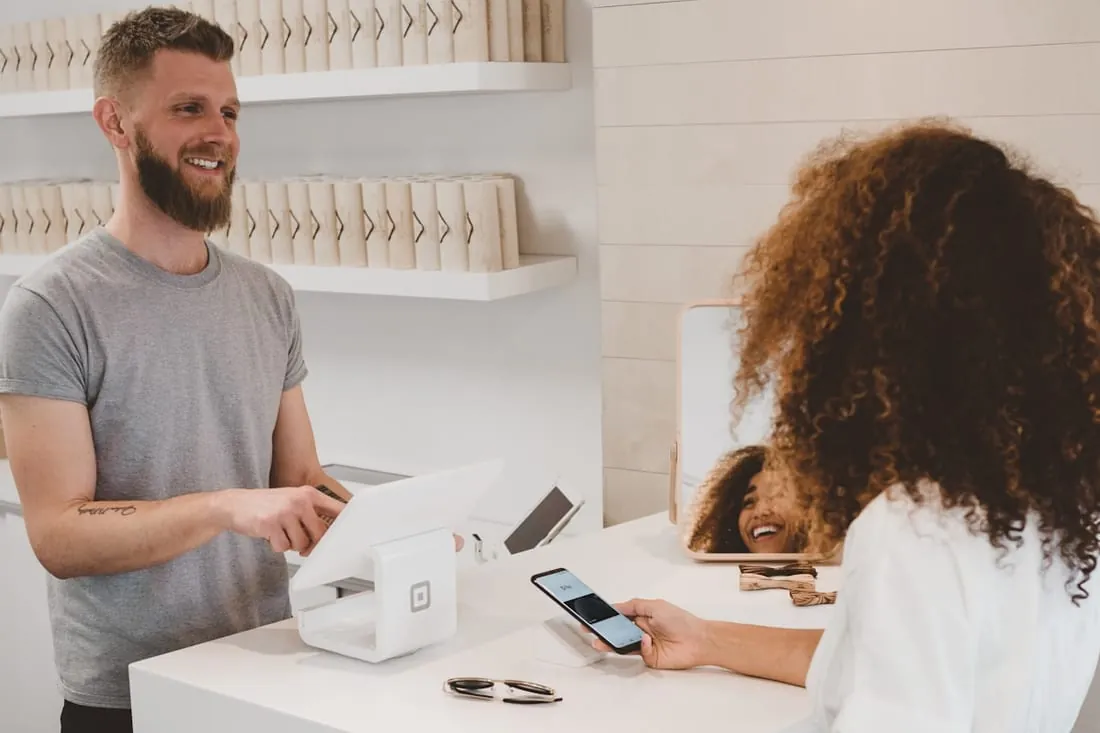
- Reorder a favourite without searching for it.
- Tap target
- 3 taps
- Connected to
- Store + stock
- Payments
- Loyalty
Mobile app development
iOS and Android apps built around the one job your customers open them for, then connected to the bookings, orders, payments and data you already run.
(02)One job
People keep the apps that do one thing better than your website can. So we find that job first, then design every screen to get there in as few taps as possible.
Retail, food & drink
Clinics, studios, salons
Field teams & deliveries
Members & loyalty
(03)The right build
There is no best way to build an app, only the right one for the job, the budget and the roadmap. Answer three questions to see where we would start.
01Does it need the phone's hardware: camera, Bluetooth, background location or offline use?
02Should customers find it in the App Store and Google Play?
03Would one codebase for iOS and Android suit your budget and release plan?
Answer the questions to see where we would start.
iOS + Android, built separately
Best when the app lives on the device: camera, sensors, offline work, heavy animation.
Two codebases to build and keep up to date.
One codebase, both stores
Best for most business apps: bookings, ordering, accounts, field teams.
The deepest device features may need native modules.
Installable from the browser
Best for internal tools and quick pilots where store presence doesn't matter.
Limited hardware access, and no store listing.
A starting point, not a verdict. We confirm it in the first workshop.
(04)Sketch to store
Six stages, with something you can hold at the end of each. You try the app on your own phone from the first weeks, not on launch day.
Who opens the app, when, and what they came to do. We map the journeys and cut everything that doesn't serve them.
You getJourney map + scope
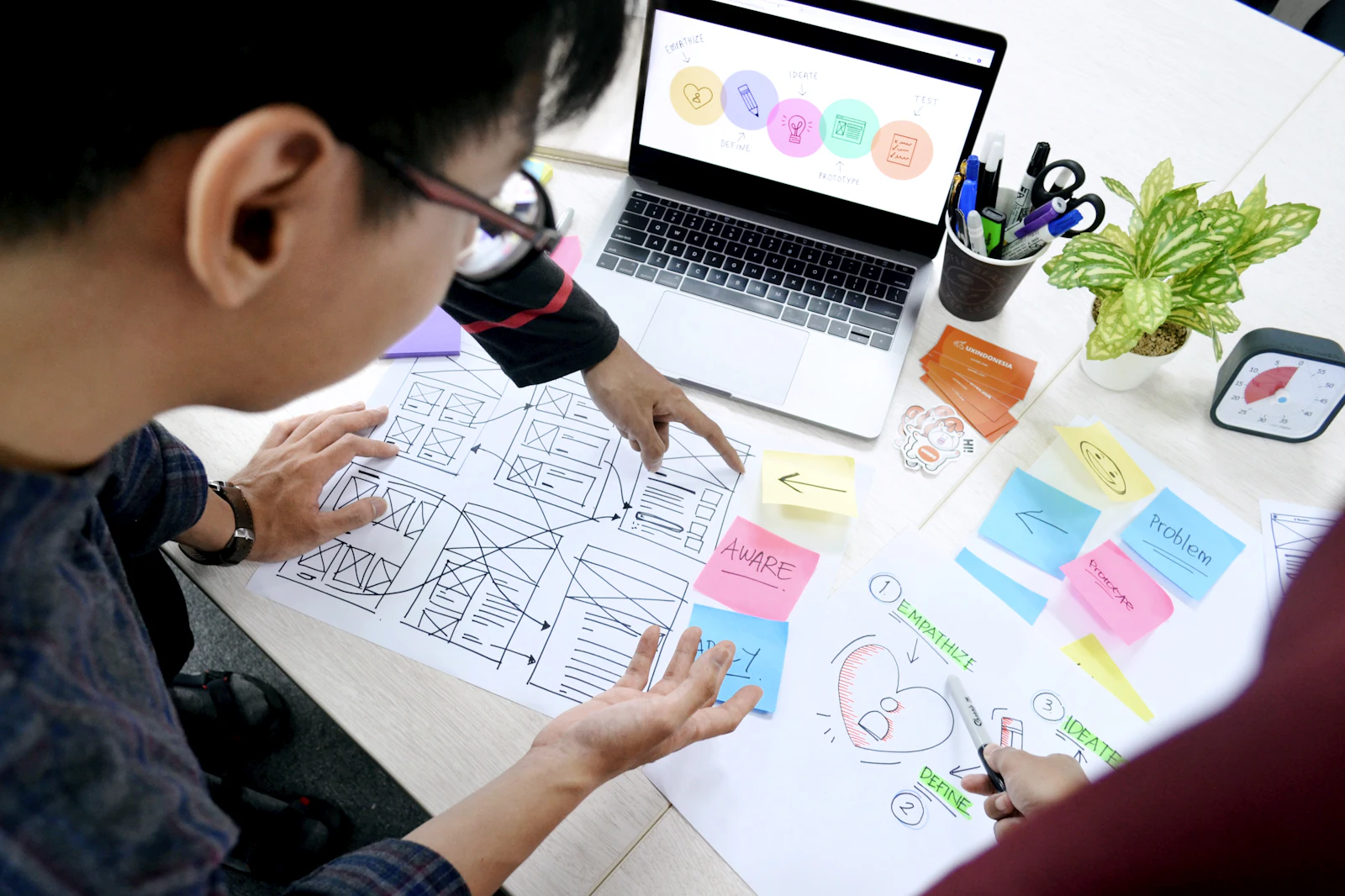
Clickable screens on your own phone within weeks, so the idea is tested with real people before anyone writes code.
You getClickable prototype
A design system for iOS and Android: type, colour, components and every state, including empty, loading and offline.
You getUI kit + final screens
The app and its backend, built in short sprints: accounts, APIs, payments and push. A new test build lands on your phone every sprint.
You getTest builds every sprint
Old and new devices, slow networks, large text and screen readers. Crashes and accessibility issues are fixed before anyone outside sees them.
You getDevice + accessibility checks
Store listings, screenshots, privacy details and review submission, then a staged rollout so nothing goes out to everyone at once.
You getLive in both stores
(05)Under the screen
An app is only as good as what sits behind it. We build the backend with it, or connect to the one you already have, so the app, the website and the team work from the same data.
(06)After launch
Phones update every year, and so do your customers' expectations. We stay on for the releases after the first, planned from what people actually use.
(07)Selected work
An app is one part of a connected build: the store, the booking system and the automation behind it.
All work Sample project
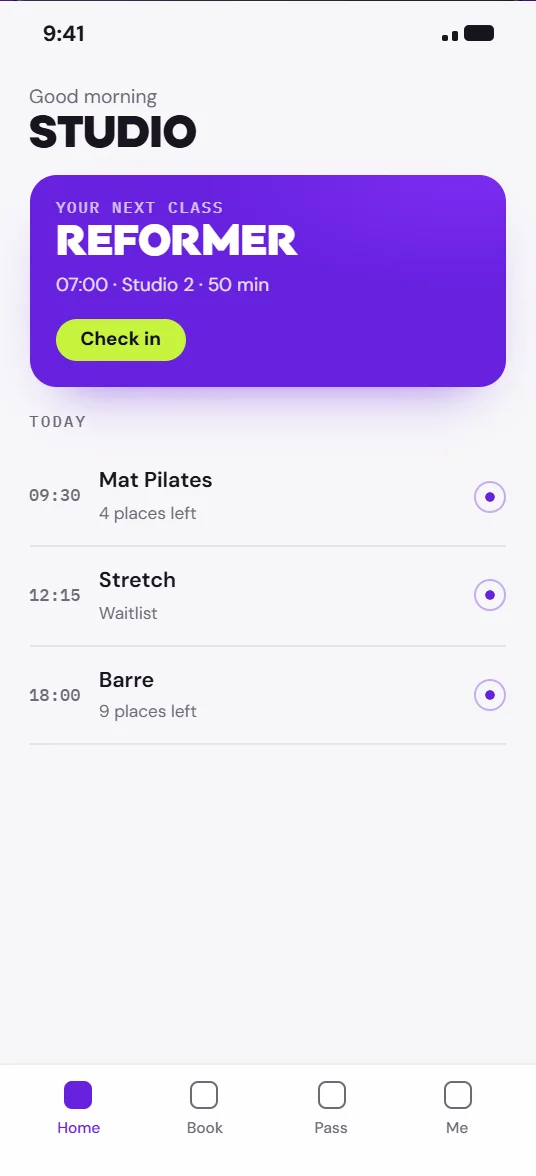
One iOS and Android app for class booking, memberships and reminders, connected to the studios' existing schedule and payments.
 Sample project
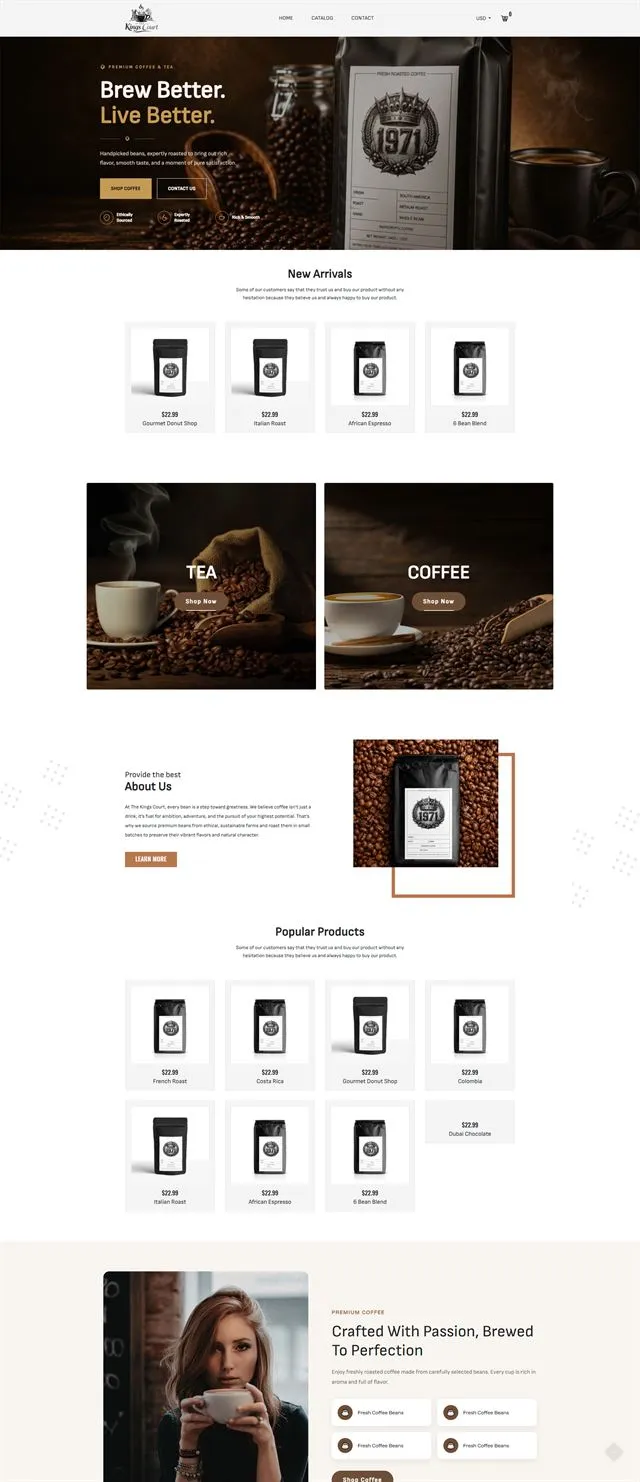
An editorial storefront with subscriptions, brew guides and product storytelling, designed and built as one.
(08)Start an app
Tell us the one job your customers or team need done on their phone. We'll tell you how we would build it, and what it connects to.